
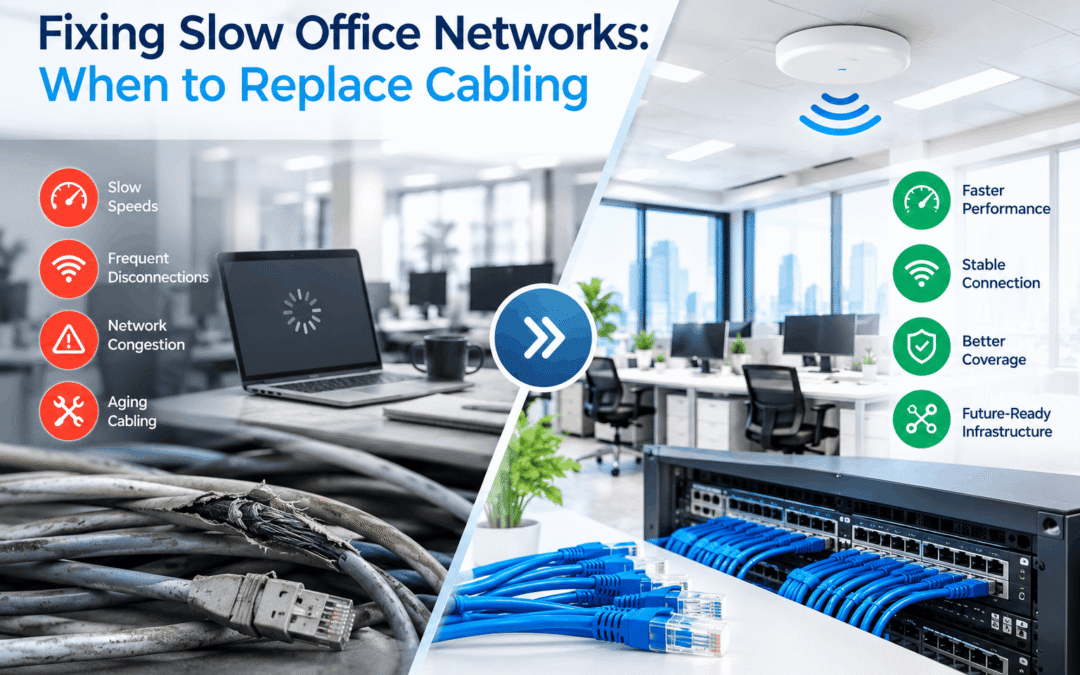
Office Network Cabling Upgrade NYC: When to Replace Old Cabling
Your team waits on files to open, video calls freeze, and the shared printer drops off the network twice a day. Most people blame the internet provider first. However, in many New York offices the real problem is the cable inside the walls. An office network cabling upgrade in NYC is not always the answer, but it is often the fix that finally ends the complaints. This guide shows you the warning signs, how to test your cabling, and when replacing it makes more sense than repairing it.
Table of Contents
- Quick Answer: When Do You Need an Office Network Cabling Upgrade?
- What Is an Office Network Cabling Upgrade?
- Warning Signs Your Cabling Is the Problem
- Slow Office Network Troubleshooting: Where to Start
- Cable, Switch, Wi-Fi, or Internet? A Quick Comparison
- When to Replace Network Cabling
- Repair vs Replace: Which Costs Less?
- Cable Categories Compared
- What Is Included in an Upgrade?
- How a Professional Cabling Assessment Works
- What Affects the Cost of a Cabling Upgrade?
- Cabling Challenges in NYC Offices
- Frequently Asked Questions
- Request a Cabling Assessment
Quick Answer: When Do You Need an Office Network Cabling Upgrade?
You need an office network cabling upgrade when your cable is Cat5 or unmarked, when several runs fail certification tests, or when you are adding Wi-Fi 6/6E/7, cameras, or phones that need more speed and PoE power. Slow speeds at certain desks, random disconnects, and links stuck at 100 Mbps are the most common signs.
If only one or two cables fail, a repair usually does the job. If many fail, replacing the cabling costs less over time.
What Is an Office Network Cabling Upgrade?
An office network cabling upgrade is the process of testing your existing data cables, then replacing or adding cable where it no longer meets your speed, power, or reliability needs. It usually includes new Ethernet runs, new patch panels, clear labeling, and a full test of every connection.
In simple terms, cabling is the road your data travels on. If the road is cracked, narrow, or badly built, it does not matter how fast the car is. Likewise, a fast internet plan and a new switch cannot make up for tired cable.
Warning Signs Your Cabling Is the Problem
Cable problems rarely show up as a clean break. Instead, they appear as small, annoying issues that come and go. Watch for these signs:
- Slow speeds at some desks only: If one area is slow while another is fine, the cable to that spot is a prime suspect.
- Random disconnects: Connections that drop and return on their own often point to loose terminations or damaged cable.
- Link speed stuck at 100 Mbps: A gigabit port that negotiates down to 100 Mbps usually means a damaged pair or an old cable.
- Wi-Fi access points rebooting: Weak PoE power over a poor cable can cause this.
- Problems that start after furniture or ceiling work: Cables get pinched, stretched, and kinked more often than people think.
- Cat5 or unmarked cable in the walls: Older cable cannot keep up with today’s cloud apps and video traffic.
- A tangle of cables in the network closet: Messy, unlabeled cabling makes every fix slower and riskier.
If two or three of these sound familiar, your cabling deserves a closer look.
Slow Office Network Troubleshooting: Where to Start
Before you spend money, rule out the easy causes. Follow these steps in order:
- Run a speed test at several desks. Compare a wired computer near the router with one at the far end of the office. A big gap points to a cabling or switch problem.
- Swap the patch cable. The short cable between the computer and the wall jack fails more often than the cable in the wall.
- Try a different wall port. If the problem moves with the computer, the cable is probably fine. If it stays with the port, the cable is the issue.
- Check the link speed. In the network settings, look for a gigabit (1000 Mbps) connection. Anything lower on a gigabit port is a red flag.
- Look at the switch. Check for hot, overloaded, or very old equipment, plus ports with error counts.
- Test your internet connection directly. Plug a laptop straight into the router. If speeds are slow there too, the problem is outside your building.
Even so, basic checks only go so far. Copper cable faults, such as split pairs, crosstalk, and poor terminations, need a certified cable tester to find.
Cable, Switch, Wi-Fi, or Internet? A Quick Comparison
Many slow-network problems look alike at first glance. This table helps you narrow down the source.
Common Symptoms and Likely Causes
| Symptom | Likely Cause | First Thing to Check |
|---|---|---|
| Slow at one desk only | Damaged or poorly terminated cable | Swap patch cable, then test the wall run |
| Slow everywhere, wired and wireless | Internet service or router | Speed test directly at the router |
| Slow on Wi-Fi only | Access point placement or interference | Compare wired and wireless speeds at the same spot |
| Link stuck at 100 Mbps | Old or damaged cable | Check the port speed, then test the cable |
| Random drops across a whole floor | Failing switch or uplink | Check the switch logs and uplink cable |
| Access points keep rebooting | Not enough PoE power or a poor cable | Check PoE budget and test the cable run |
When to Replace Network Cabling
Not every cable problem calls for a full replacement. Still, some situations make new cable the smarter choice. Consider replacement when:
- Your cable is Cat5 or an unknown type. Cat5 tops out at 100 Mbps and cannot support modern business needs.
- Test results show multiple failures. If many runs fail certification, patching each one costs more than starting fresh.
- You are adding Wi-Fi 6, Wi-Fi 6E, or Wi-Fi 7. These access points can push past 1 Gbps and may draw more PoE power than old cable handles well.
- You are moving into or renovating an office. A new layout is the cheapest time to pull new cable, since walls and ceilings are already open.
- The cable is damaged, rodent-chewed, or water-affected. Physical damage rarely stays fixed.
- You are adding cameras, phones, or displays. New devices often need more ports and more PoE power than the original design planned for.
- Your staff has outgrown the original setup. More people and more cloud tools put steady strain on aging cable.
Age matters, but condition matters more. Many installers use 10 to 15 years as a rough planning window for commercial cabling. A well-installed cable can last longer, while a poorly installed one can fail in a few years.
Repair vs Replace: Which Costs Less?
Repair is cheaper when only one or two runs have problems. However, replacement saves money when failures are widespread, because you pay for the labor once instead of many times.
Repair vs Replace Comparison
| Factor | Repair | Replace |
|---|---|---|
| Best when | One or two runs fail testing | Many runs fail, or cable is Cat5 |
| Upfront cost | Lower | Higher |
| Long-term cost | Can add up with repeat fixes | Lower over time |
| Speed gain | Fixes the failing runs only | Supports current and future speeds |
| Disruption | Minimal | Moderate, often done after hours |
| Future devices | Limited | Ready for Wi-Fi 6E/7, cameras, and PoE++ |
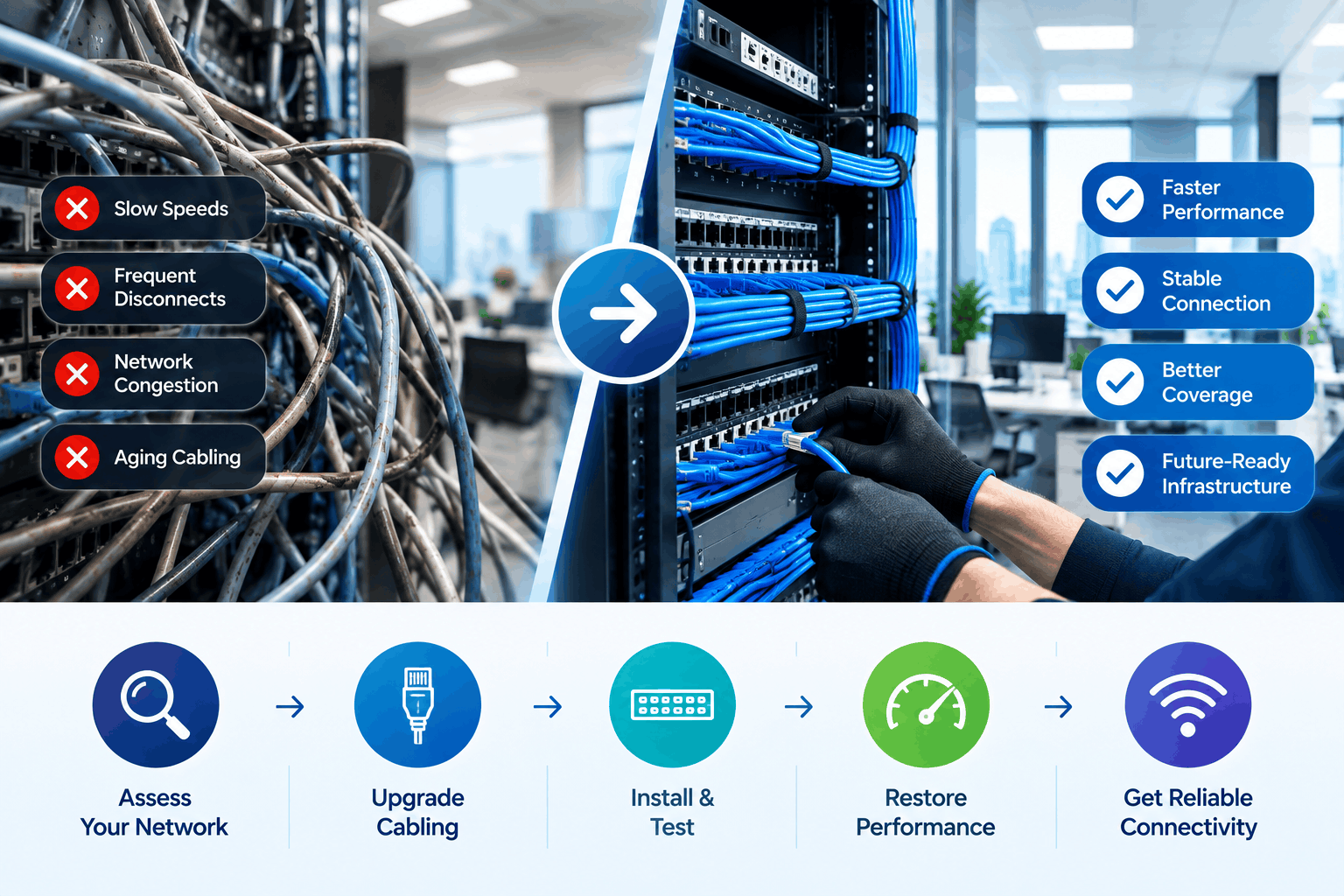
Cable Categories Compared
Knowing what is in your walls helps you plan. Cable type is usually printed on the jacket every few feet. Here is how the common types compare.
Network Cable Categories at a Glance
| Category | Typical Speed | Max Run Length | Our Take |
|---|---|---|---|
| Cat5 | 100 Mbps | 100 m (328 ft) | Outdated. Plan to replace. |
| Cat5e | 1 Gbps | 100 m (328 ft) | Acceptable for light use, limited future value. |
| Cat6 | 1 Gbps (10 Gbps up to about 55 m) | 100 m (328 ft) | Solid choice for most offices. |
| Cat6A | 10 Gbps | 100 m (328 ft) | Best for new builds and long-term planning. |
If you are replacing cable anyway, our Ethernet cabling installation team can match the cable category to your real needs instead of overbuilding.
What Is Included in an Office Network Cabling Upgrade?
Scope changes from office to office. Still, a complete upgrade usually covers the following:
- Cable testing and certification: Every existing run is tested, so you know what to keep and what to replace.
- New cable runs: Cat6 or Cat6A is pulled to desks, access points, cameras, and conference rooms.
- Patch panels and jacks: Clean terminations keep speeds high and make future changes easier.
- Network closet cleanup: Cables are sorted, bundled, and labeled at both ends.
- Documentation: You receive test results and a port map for your records.
- Old cable removal: Dead cable is removed where building rules require it.
How a Professional Cabling Assessment Works
A proper assessment replaces guesswork with real test results. Here is what to expect:
- Walkthrough: First, we tour the office, the network closet, and any problem areas you have noticed.
- Cable identification: Next, we check cable types, patch panels, and how each run is labeled.
- Certification testing: Then we test each run with professional equipment for length, wiring faults, and speed performance.
- Equipment check: We also look at switches and PoE capacity, since a weak switch can look like a cable problem.
- Written findings: After that, you get a clear list of what passed, what failed, and what we suggest.
- Options and pricing: Finally, we lay out repair and replacement choices so you can pick what fits your budget.
What Affects the Cost of a Cabling Upgrade?
No two offices cost the same to upgrade. A site visit is the only way to get an accurate quote. Even so, these factors drive most of the price:
Cost Factors at a Glance
| Factor | Why It Matters | Effect on Price |
|---|---|---|
| Number of cable runs | More runs mean more cable, labor, and testing | Higher with more runs |
| Cable category | Cat6A costs more than Cat6 and is harder to pull | Higher for Cat6A |
| Ceiling and wall type | Finished ceilings and concrete slow the work down | Higher for difficult access |
| Plenum-rated cable | Required in many air-handling ceiling spaces | Higher than standard cable |
| After-hours work | Many NYC buildings limit work to nights or weekends | Can raise labor cost |
| Existing cable condition | Reusing good cable saves money | Lower if cable passes testing |
| Equipment needs | Switches and patch panels may need replacing | Varies |
Cabling Challenges in NYC Offices
Commercial network cabling in NYC comes with a few extra hurdles, whether your office is in Manhattan, Brooklyn, Queens, or the Bronx. Knowing them ahead of time keeps the project smooth.
- Building requirements: Many buildings ask for insurance certificates, approved vendors, and advance notice.
- After-hours work: Landlords often limit noisy work to nights or weekends.
- Older buildings: Tight ceilings, thick walls, and crowded risers make cable routing harder.
- Fire-rated cable: Ceiling spaces that handle air often require plenum-rated cable, which costs more than standard cable.
- Multi-tenant floors: Shared closets and riser access need coordination with building management.
While the walls are open, it also makes sense to plan for other low-voltage systems. For instance, you can add security camera runs or audio visual cabling for conference rooms in the same visit. Doing it all at once usually costs less than three separate projects.
Frequently Asked Questions
What is an office network cabling upgrade in NYC?
It is a project that tests your current data cabling and replaces or adds cable where it cannot support your speed, PoE, or reliability needs. It also includes patch panels, labeling, and final testing.
How do I know if my network cable is bad?
Common signs include slow speeds at one desk, random disconnects, and a link speed stuck at 100 Mbps. A certified cable test is the only way to confirm it, because many faults do not show up with a basic cable checker.
How long does network cabling last?
Well-installed commercial cabling often lasts 10 to 15 years or more. Still, the cable can become outdated sooner if your speed needs outgrow its category.
Can bad cabling really slow down my whole network?
Yes. A damaged cable can cause errors and resends that waste bandwidth. When it connects a switch or access point, the slowdown can reach many users, not just one desk.
Is it better to repair or replace office network cabling?
Repair makes sense for a few failing runs. Replacement is better when many runs fail testing, the cable is Cat5, or you are adding newer Wi-Fi and PoE devices.
Will upgrading my cabling make my internet faster?
It will not raise the speed you buy from your provider. However, it can help you actually use that speed inside the office, especially if old cable or ports were holding you back.
How much does an office network cabling upgrade cost in NYC?
The price depends on the number of cable runs, the cable category, ceiling access, building rules, and after-hours work. A site visit gives you an accurate quote.
How long does a cabling upgrade take?
A small office can finish in one to three days. Larger floors take longer, mostly because of cable pulling, building access, and after-hours scheduling.
Can you work without shutting down my office?
Usually, yes. We can schedule work after hours or in phases, so your team keeps working during the day.
Experiencing Network Issues? Request a Cabling Assessment.
Do not keep guessing at the cause of a slow network. NewTech Cabling can test your existing cable, show you exactly what is failing, and handle your office network cabling upgrade in NYC if you need one. You get clear results, honest options, and a network your team can rely on.
- Request an assessment: https://newtechcabling.com/contact-us/
- Call: (212) 537-5965
- Email: info@newtechcabling.com
Recent Comments