
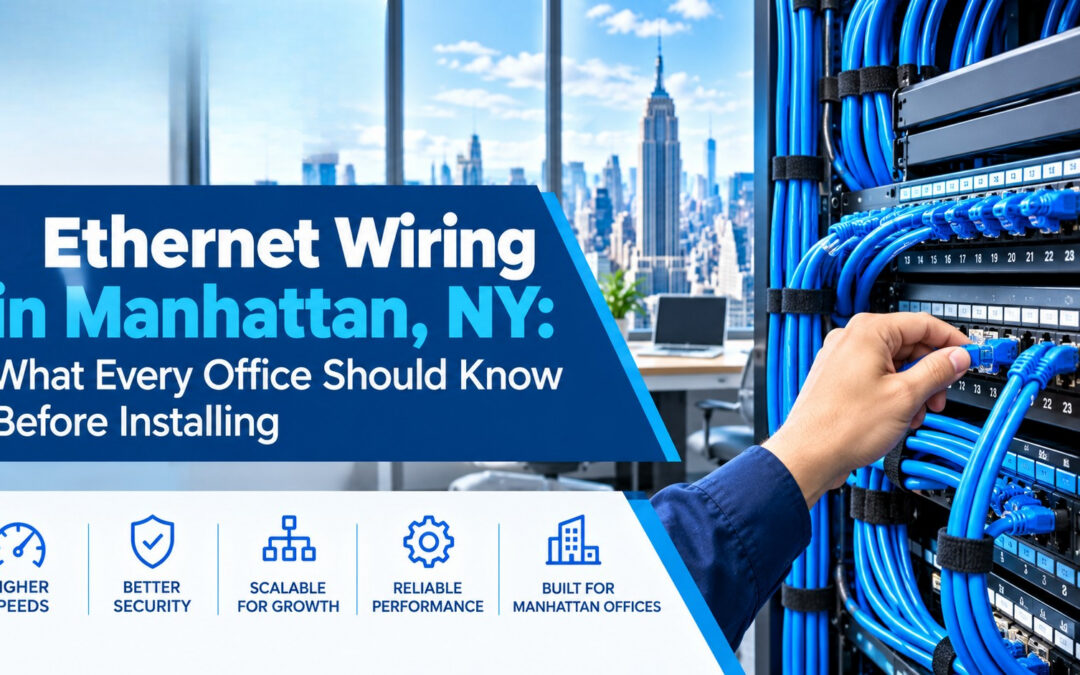
Ethernet Wiring in Manhattan, NY: What Every Office Should Know Before Installing
Wi-Fi gets the attention, but wired Ethernet is what keeps most Manhattan offices running. Desktops, VoIP phones, printers, security cameras and Wi-Fi access points all depend on solid cabling behind the walls. Professional ethernet wiring in Manhattan gives your team fast, stable connections and a network that is easy to grow. New Tech Cabling designs, installs, tests and labels office ethernet cabling across New York City.
This guide explains what ethernet wiring is, which cable types make sense for an office, how the installation process works in Manhattan buildings and what affects the cost. You can also see our full range of network cabling services.
In this guide
- What ethernet wiring is
- Why wired ethernet still matters
- Cat5e vs. Cat6 vs. Cat6A vs. fiber
- Ethernet wiring challenges in Manhattan buildings
- Our ethernet wiring services
- Our installation process
- What affects the cost
- Common mistakes to avoid
- Service areas
- Frequently asked questions
What Is Ethernet Wiring?
Ethernet wiring is the physical cabling that connects computers, phones, access points and other devices to your network switch. In an office, the cables run from a central point, usually an IT room or network closet, to wall jacks at each workstation, meeting room and equipment location. This design is known as structured cabling.
Structured cabling matters because it replaces a tangle of one-off connections with a standard, organized system. Every desk connects to the network in the same way, so adding a person, moving a desk or fixing a fault is quick and predictable. It also means the same wiring can carry computers, VoIP phones, Wi-Fi access points and cameras, so you are not running new cable for each system.
A proper installation includes more than the cable itself. Each part has a job, and skipping one usually causes problems later:
- Horizontal cabling from the patch panel to each wall jack. This is the permanent run inside walls and ceilings. It matters because it is the hardest part to change later, so using the right cable type and length from the start protects your speed for years.
- Patch panels and racksthat keep connections organized in the IT room. Cables end at the panel instead of plugging straight into equipment, so you can change a connection by moving a short patch cord, not by touching the permanent wiring. Racks keep everything tidy, supported and easy to reach.
- Wall jacks and faceplatesat each work area. They give every desk or room a clean, standard connection point and protect the cable end from wear. Without them, loose cable ends would be left hanging out of the wall and would fail sooner.
- Patch cordsthat link devices to the jacks and the panel to the switch. These short cables take the daily wear of plugging and unplugging. A damaged patch cord can be replaced in seconds, which keeps the permanent cabling safe. Good quality cords also matter, because a poor one can slow an otherwise good connection.
- Labeling and documentation so every port can be traced quickly. Labels on each cable, jack and panel port let a technician find the right connection in seconds, instead of tracing wires by hand. Documentation also gives you a record of what is installed, which saves time and cost on every future change.
Taken together, these parts make a network that is organized, easy to support and ready to grow with your business.
Why Wired Ethernet Still Matters in a Wi-Fi World
Wireless is convenient, but wired connections remain the most dependable option for a busy office.
- Consistent speed:A cable is not affected by walls, glass, crowded airwaves or neighboring networks. In a Manhattan office tower, dozens of nearby Wi-Fi networks compete for the same airwaves, but a cable gives each device its own dedicated path, so speeds stay steady all day.
- Lower latency:Video calls, VoIP phones and cloud apps run more smoothly. Latency is the delay between sending and receiving data, and wired connections keep it low and stable, which means fewer frozen screens, less echo on calls and faster response from cloud software.
- Better security:Wired connections are harder to intercept than wireless signals. Someone would need physical access to a cable or port to listen in, while Wi-Fi signals can travel beyond your walls. Wired connections also make it easier to control exactly which devices are allowed on the network.
- Power over Ethernet (PoE):One cable can carry both data and power to access points, IP cameras and phones. This means no separate power outlet is needed at each device, which allows flexible placement on ceilings and walls, a cleaner install and lower cost for extra electrical work.
- A foundation for Wi-Fi: Every wireless access point needs a good cable behind it to perform well. Even the best Wi-Fi equipment is limited by the connection feeding it, so quality cabling is what lets wireless coverage stay fast in every room.
The best office networks use both: cable for desktops, phones and access points, and Wi-Fi for laptops, tablets and visitors.
Choosing the Right Ethernet Cable: Cat5e vs. Cat6 vs. Cat6A vs. Fiber
The right cable depends on your speed needs, run lengths and budget. Here is a simple comparison:
| Cable | Typical speed and distance | Best for |
|---|---|---|
| Cat5e | 1 Gbps up to 100 m | Basic needs and existing installs; usually not recommended for new offices |
| Cat6 | 1 Gbps up to 100 m; 10 Gbps over shorter runs (about 55 m) | Most small and mid-sized offices |
| Cat6A | 10 Gbps up to 100 m | Heavy data use, PoE devices and future-proofing |
| Fiber optic | Very high bandwidth over long distances | Linking floors, server rooms and network closets |
Copper ethernet runs are generally limited to 100 meters, which includes the patch cords at each end. Most offices are well within that limit, but long runs in large floor plates should be planned carefully. For a deeper technical reference, download our white paper on cable and wiring types.
Ethernet Wiring Challenges in Manhattan Buildings
Running cable in New York City is different from running cable in a suburban office park. A contractor who knows the local conditions saves you time and avoids surprises.
- Building rules:Many buildings require certificates of insurance, approved contractors and advance scheduling. If the paperwork is not ready, the crew may not be allowed on site, so a contractor who handles this early keeps your project on schedule.
- Freight elevators: Equipment and materials often have to be booked through building management. Slots can be limited and busy, so tools, cable and racks need to be planned and delivered within the time you are given.
- After-hours work: Some buildings only allow noisy or disruptive work in the evening or on weekends. Drilling and ceiling work may need to happen outside business hours, which affects scheduling and sometimes cost, but it keeps your team and neighboring tenants undisturbed.
- Older buildings: Legacy wiring, limited pathways and tight ceilings can make routing more complex. Pre-war buildings may have thick walls, little ceiling space or old cable left behind, so routes need to be surveyed and planned with care.
- Fire-rated spaces: Cable used in air-handling ceiling spaces generally needs to be plenum-rated, and openings through fire-rated walls must be properly handled under local codes. This protects the building and its occupants, and using the wrong cable can fail an inspection and force rework.
- Shared risers:Connections between floors may need to go through building-controlled pathways. Access may need landlord approval, and space in a riser is often limited, so linking floors takes coordination with property management.
Experience with these conditions is what keeps a Manhattan cabling project on time and on budget.
Industry standards from organizations such as BICSI and the Telecommunications Industry Association (TIA) guide how structured cabling is designed, and electrical work in buildings is governed by codes such as NFPA 70, the National Electrical Code.
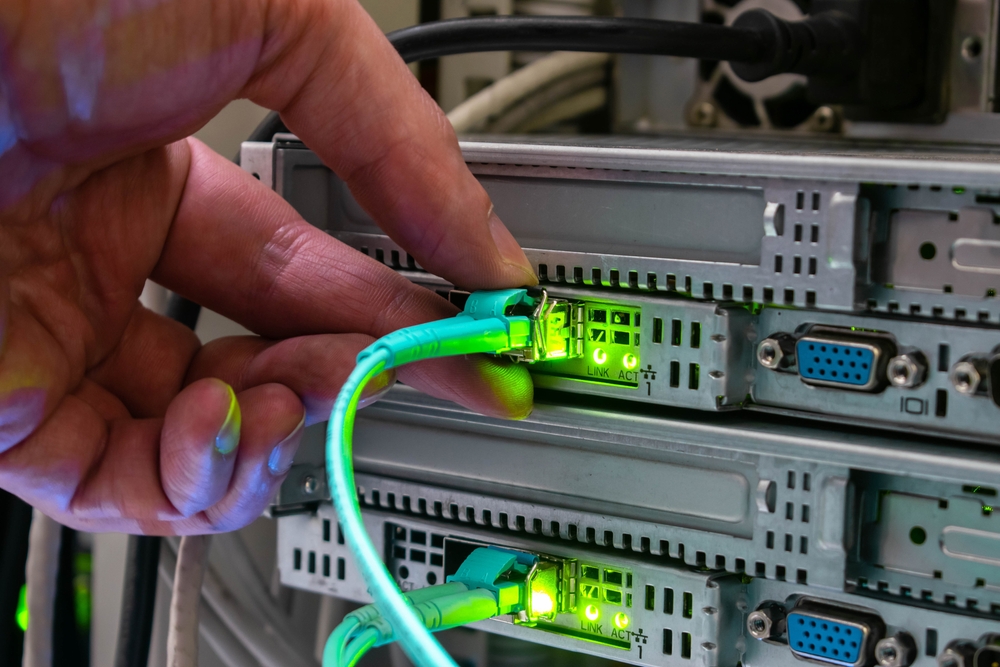
Our Ethernet Wiring Services in Manhattan
New Tech Cabling provides end-to-end cabling solutions for offices of every size, from small startups to multi-floor firms.
New Ethernet Cabling Installation
We install Cat6 and Cat6A cabling for new offices, build-outs and expansions, with every run terminated, tested and labeled. See our low voltage cabling installation and design-build services.
Cabling Upgrades and Re-Wiring
If your office still runs on old Cat5 or poorly documented cabling, we can audit what is in place and upgrade only what needs to change.
Wi-Fi Access Point Cabling
We run the cabling that lets access points deliver full speed, including PoE connections, so there are no dead zones in glass-walled or open-plan spaces.
IT Rooms, Racks and Patch Panels
We set up racks, patch panels, switches and cable management so your equipment stays organized and easy to service. Learn more about our IT room build out and data center build out.
Voice, Security and Conference Room Cabling
One cabling plan can support VoIP phones, IP cameras, door access and audio/video systems. Explore our security systems cabling and conference room design build out.
Moves, Adds, Changes and Relocations
Adding desks or moving offices? Our team handles relocations and ongoing moves, adds and changes, and offers project management to keep everything on schedule.
Our Ethernet Installation Process, Step by Step
- Site survey and consultation:We review your floor plan, user count, devices and building requirements. We also walk the space to see ceiling types, pathways and existing cabling, and we ask which areas have problems today, so the plan is built around how your team actually works.
- Cabling design and quote:You receive a clear layout showing drop locations, cable types and a transparent written quote. Each cable choice is explained, and spare ports for future growth are planned in, so you know the scope and cost before any work begins.
- Building coordination: We work with your property manager on access, insurance paperwork, freight elevator use and scheduling. Handling these details early helps avoid delays on installation day, especially in Manhattan buildings with strict contractor rules.
- Cable installation: Our technicians route cable, mount jacks and terminate every run while keeping your workspace clean. Cables are supported and routed neatly, not left loose, and work is planned to limit disruption to your team.
- Testing and certification: Each connection is tested to confirm it performs as it should before handover. Any run that does not meet the standard is corrected before the job is considered complete, so you start with a network you can trust.
- Labeling and documentation: Every cable and port is labeled, and you receive records of what was installed. This makes future troubleshooting, moves and additions much faster, because anyone on your IT team can trace a connection in seconds.
Following the same steps on every project keeps the work predictable, with clear communication from the first visit to handover.
What Affects the Cost of Ethernet Wiring in Manhattan?
There is no single price for every office. The main factors are:
- The number of ethernet drops you need: Each drop means a cable run, a jack and testing, so cost rises with the count. Planning spare drops for new hires, printers, access points and meeting rooms is usually cheaper now than adding them later.
- The cable type (Cat6, Cat6A or fiber): Cat6 suits most offices. Cat6A costs more for the cable and for installation, because it is thicker and needs more care, but it gives 10 Gbps headroom. Fiber is used for backbone links and is priced differently again.
- Ceiling type, wall construction and how hard the routes are to reach: Open drop ceilings are quick to work in. Hard ceilings, concrete, masonry walls and tight pathways take more time and labor, so the same number of drops can cost very different amounts in different spaces.
- Whether plenum-rated cable is required: Cable in air-handling spaces generally has to be plenum-rated, which costs more than standard cable. Your installer should confirm which areas need it so you are not surprised on the quote.
- Racks, patch panels and IT room equipment: A larger IT room with racks, patch panels, cable management and power adds to the project. A small office may need only a wall-mounted panel, while a bigger one needs a full rack.
- Building rules, including after-hours work and insurance requirements: Some buildings limit work to evenings or weekends, require certificates of insurance or require booked elevator time. These requirements can add scheduling effort and sometimes cost, so ask about them early.
- Whether existing cabling can be reused or has to be removed: Good existing cable can sometimes be tested, labeled and reused, which saves money. Old or abandoned cable may need to be removed, which adds labor, and some buildings require this.
The most reliable way to get an accurate figure is an on-site assessment followed by a detailed written quote. You can contact our team to start that conversation.
Common Ethernet Wiring Mistakes to Avoid
- Installing too few drops. Adding jacks later costs more than planning extra ports up front. Each new run means opening ceilings again, re-testing and sometimes another visit, and staff may end up sharing ports with small switches or splitters in the meantime. Plan spare drops for growth, printers, access points and meeting rooms.
- Choosing the cheapest cable. Low-quality cable can cause slow speeds and failures, especially with PoE devices. Poorly made cable may not meet its rated speed, can overheat when carrying power and often fails sooner. The savings on the cable are small compared with the cost of finding and replacing a bad run inside a wall.
- Skipping testing. Untested cabling often hides faults that only appear later. A loose termination or a damaged run may work for a day and then drop out under load. Testing every connection before handover catches these problems while they are still easy and cheap to fix.
- No labeling. Unlabeled ports turn small changes into long troubleshooting sessions. Without labels, a technician has to trace cables by hand to find one connection. Labeling every cable, jack and patch panel port, and keeping a record of them, saves time on every future move, add or repair.
- Ignoring building rules. Missing insurance paperwork or elevator bookings can delay a project. Crews can be turned away at the door, and work can be pushed to the next available slot. Ask about contractor requirements, approved hours and elevator scheduling before you set a start date.
- Forgetting future growth. Plan for the team you expect to have, not only the team you have today. Offices tend to add people, phones, cameras and Wi-Fi access points faster than expected. Choosing cable and equipment with some headroom, such as Cat6A where it makes sense and spare capacity in the IT room, keeps your network from being outgrown.
- Running data cable next to power cable. Ethernet cable laid tightly alongside electrical wiring can pick up interference and cause errors or slowdowns. Keep data and power cabling separated according to the applicable standards and codes, and let your installer plan the pathways.
- Forcing cable around tight bends or over-pulling it. Sharp bends, kinks and heavy pulling can damage the cable inside its jacket, even if it looks fine from outside. The result is a run that tests poorly or fails later. Proper support and routing protect the cable and its performance.
Ethernet Wiring Service Areas
New Tech Cabling is located in the heart of Midtown Manhattan, at the corner of 5th Avenue and 34th Street. We provide ethernet wiring throughout Manhattan, including Midtown, the Financial District, Chelsea, SoHo, Tribeca, Hudson Yards and the Flatiron District, as well as Brooklyn, Upper Manhattan, Jersey City, Hoboken and Union City.
We work with law firms, accounting offices, creative agencies, healthcare and dental practices, financial and consulting firms, startups, coworking spaces and retail locations.
Why Choose New Tech Cabling?
- Local knowledge of Manhattan commercial buildings and their access requirements
- Experience across voice/VoIP, data, security and audio/video cabling
- Clean, labeled and well-documented work
- Transparent quotes and clear communication
- Support for moves, adds and changes after the installation is complete
Want to see how other clients feel about working with us? Read and leave reviews on Yelp, or read more tips on our blog.
Frequently Asked Questions About Ethernet Wiring in Manhattan
How much does ethernet wiring cost in Manhattan?
Cost depends on the number of drops, cable type, building access rules and the difficulty of the routes. An on-site assessment is the best way to get an accurate written quote.
Should I choose Cat6 or Cat6A for my office?
Cat6 suits most small and mid-sized offices. Cat6A is a better choice if you expect heavy data use, many PoE devices or want to future-proof the installation for 10 Gbps speeds.
How long does an ethernet wiring installation take?
Small offices are often completed in one to two days. Larger multi-floor projects take longer depending on scope.
Can you add ethernet jacks to an existing office?
Yes. We can add new drops to an occupied office and plan the work to minimize disruption to your team.
Can you replace old Cat5 cabling?
Yes. We can audit your existing cabling and upgrade outdated runs without a full rebuild where possible.
Do you label and test every cable?
Yes. Every connection is tested and labeled, and you receive documentation of what was installed.
Which areas do you serve?
We serve Manhattan, Brooklyn, Upper Manhattan, Jersey City, Hoboken and Union City.
Request an Ethernet Wiring Quote Today
Ready to upgrade your office cabling? Contact New Tech Cabling for ethernet wiring in Manhattan, New York. Our team will assess your space, recommend the right cable and deliver a network your business can rely on.
Call (212) 537-5965 | Schedule a consultation
Email: info@newtechcabling.com
Hours: Monday to Friday, 7:00 am to 6:00 pm
Location: 5th Avenue and 34th Street, Midtown Manhattan, New York
Learn more: Network installations | All services | New Tech Cabling home
Recent Comments